
Bookkeeping workflows
A bill-pay workflow you can run in 20 minutes a week
How to capture bills, get approval, schedule payments and keep vendor records clean without paying anything twice or missing a due date.
The short answer
- Accounts payable is money you owe vendors for bills already received.
- A weekly pay run beats paying bills as they arrive: fewer errors, better cash timing.
- Every bill needs a vendor, a date, an account, and an attached document before it is paid.
- Duplicate payments almost always come from paying a statement and its underlying invoices.
Capture, approve, schedule, pay
Four stages keep payables honest. Capture puts the bill in the system, approval confirms someone authorized it, scheduling picks the pay date, and payment records the money leaving. Skipping approval is how businesses pay invoices for services they never received.
Use terms as a cash tool
Net 30 terms are an interest-free loan if you use them. Paying every bill the day it arrives shortens your cash runway for no benefit, while early-pay discounts of 2% for paying 20 days sooner are usually worth taking.
- Pay on the due date, not the receipt date
- Take 2/10 net 30 discounts when cash allows
- Batch payments into one weekly run
- Keep a short list of vendors who require prepayment
Vendor records matter at year end
Missing tax IDs and addresses turn January into a scramble. Collect a W-9 before the first payment to any contractor, and see the 1099 contractor tracking lesson for what to gather.
What one pay run looks like
- Bills entered this week
- 23
- Total due
- $41,760
- Duplicate statement caught
- −$3,180
- Early-pay discount taken
- −$420
- Actually paid
- $38,160
What this tells you: One review step saved $3,600 in a single week, most of it a statement that duplicated invoices already entered.
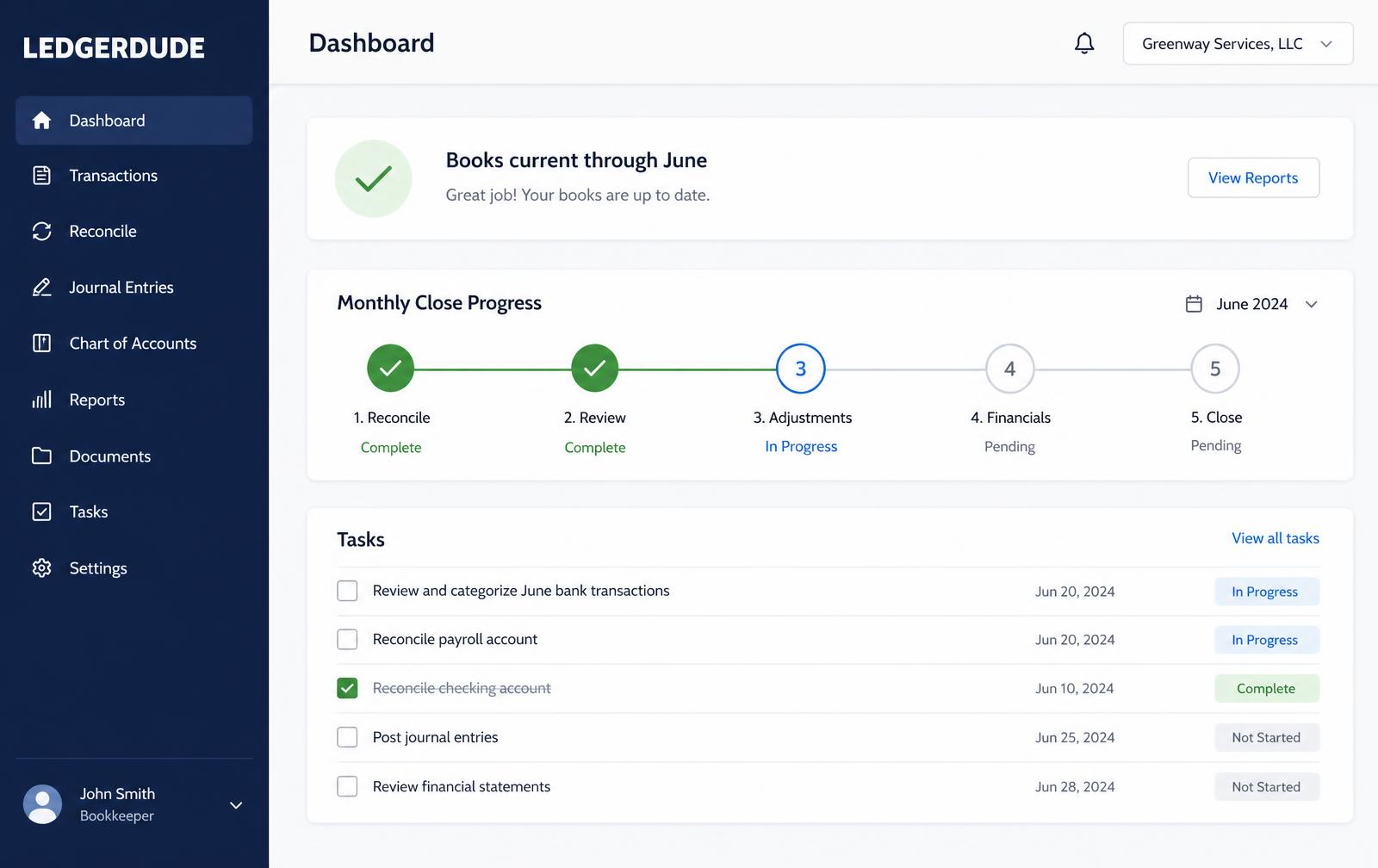
What you see inside LedgerDude
One page with your money in and money out, your cash on hand, and a short list of questions when we need your help.
Run a weekly pay run
- 1
Collect bills
Pull every bill from email and the mail into one inbox.
- 2
Enter and attach
Record each bill with vendor, date, amount, expense account and the attached document.
- 3
Approve
Have the owner or manager approve anything above your set threshold.
- 4
Check the aging
Review the AP aging report for what is due in the next 10 days.
- 5
Pay in one batch
Schedule the approved bills together and record the payments.
Questions people ask
Should I enter bills or just pay them?
Enter them if you want to see what you owe. Paying straight from the bank hides upcoming obligations from every report.
How do I stop duplicate payments?
Pay from invoices only, never from vendor statements, and require a bill number on every entry.
Who should approve bills?
Someone other than the person entering them, even in a small business. Splitting those two jobs prevents most payment fraud.
What does this cost?
One flat monthly price. No hourly bills, no surprises. Founding plans start at $149 a month, and your rate stays locked.
Keep reading
How to reconcile business credit cards cleanly
Why credit cards break more books than bank accounts, how to record charges and payments correctly, and how to close a card statement every month.
Recording payroll so your labor cost is actually right
How gross wages, employer taxes and withholdings post to your books, and why the total that left your bank is never your true labor cost.
Sales tax bookkeeping: collect it, hold it, remit it
Why sales tax you collect is never your revenue, how to record it as a liability, and how to reconcile what you collected against what you filed.
All accounting guide library guides
Every guide in this library.
All guide libraries
Accounting, QuickBooks and catch-up.
Our services
Hand the whole thing to us instead.
Want your books handled for you?
We read your receipts, match your bank activity, and close your books every month. You get one short list of questions and a dashboard that always tells the truth.