
Bookkeeping workflows
The accounts receivable workflow that gets you paid
How to invoice, apply payments and chase overdue customers on a schedule, so receivables stay under 45 days and cash arrives when you expect it.
The short answer
- Accounts receivable is money customers owe you for work already invoiced.
- The three numbers that matter are total AR, days sales outstanding, and the share over 60 days.
- Most late payments come from slow invoicing and no follow-up schedule, not from bad customers.
- Payments must be applied to specific invoices, or your aging report becomes fiction.
Invoice speed beats collection effort
The single biggest driver of getting paid is how many days pass between finishing the work and sending the invoice. Same-week invoicing usually shortens payment time more than any collections script.
Read the aging report like a to-do list
Your aging report buckets every open invoice by how overdue it is. Work it from the right side in: the oldest, largest balances first, because those are the ones most at risk of never arriving.
- Current: nothing to do yet
- 1 to 30 days: friendly reminder with the invoice attached
- 31 to 60 days: phone call and a payment date in writing
- Over 60 days: pause new work and agree a plan
Where the books usually break
Unapplied payments are the classic problem: money hits the bank and gets booked as income instead of being applied to the invoice, so revenue is double-counted and the invoice stays open forever. The fix-undeposited-funds guide covers the QuickBooks version of this.
Cutting days sales outstanding from 52 to 31
- Monthly revenue
- $180,000
- Starting AR balance
- $312,000
- Starting DSO
- 52 days
- After weekly invoicing and reminders
- 31 days
- Cash freed up
- $126,000
What this tells you: Shortening collection by three weeks released $126,000 of cash without a single new sale.
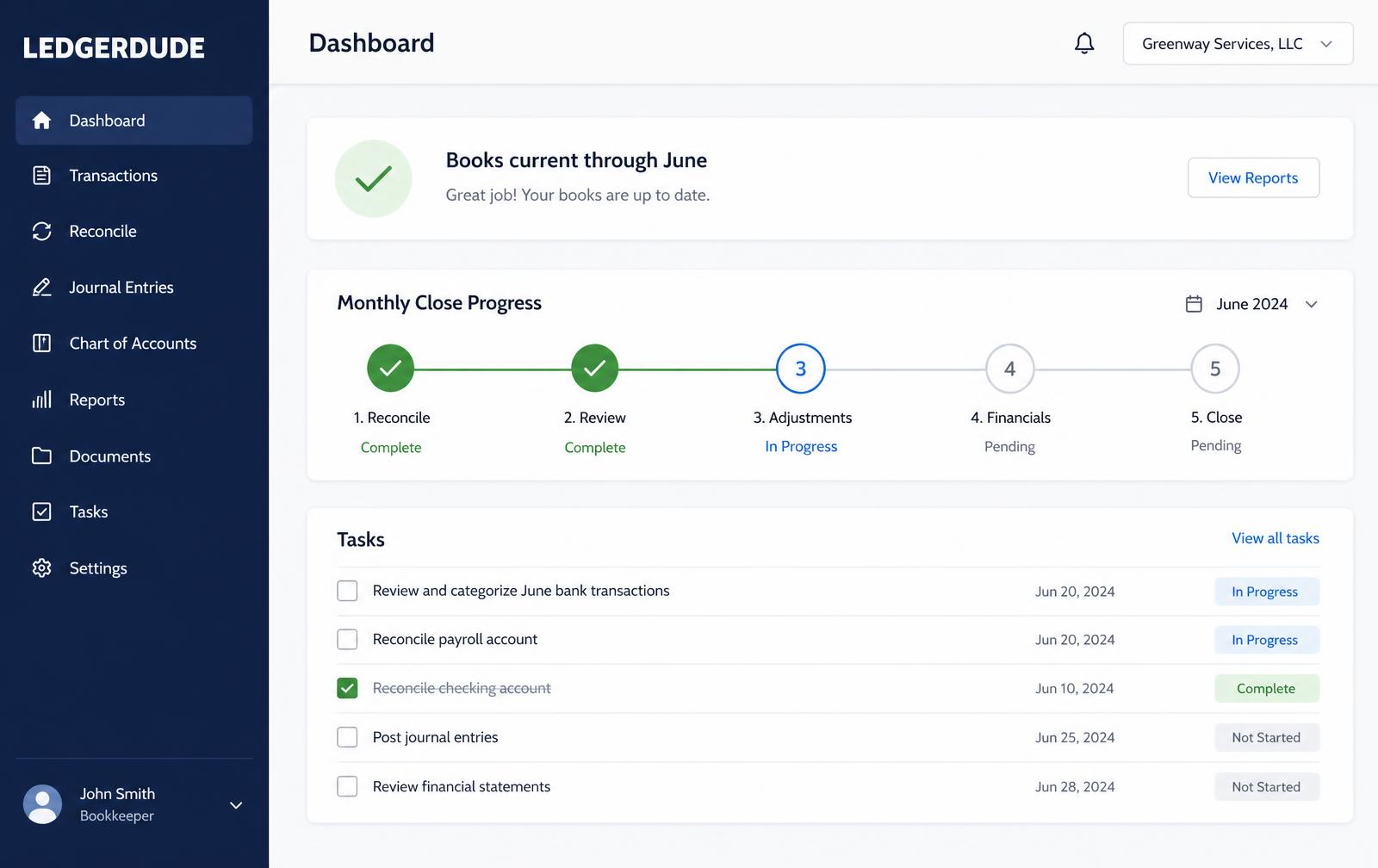
What you see inside LedgerDude
One page with your money in and money out, your cash on hand, and a short list of questions when we need your help.
Run a weekly receivables cycle
- 1
Invoice
Send every invoice for work finished in the last seven days.
- 2
Apply
Apply all payments received to the specific invoices they pay.
- 3
Review aging
Open the AR aging report and flag anything past 30 days.
- 4
Follow up
Send reminders on the 30-day items and call on the 60-day items.
- 5
Escalate
For anything past 90 days, agree a written plan or stop further work.
Questions people ask
What is a good DSO?
Under 45 days for most service businesses, and under 30 if you invoice on completion with short terms.
Should I charge late fees?
State them on the invoice, and use them selectively. The reminder schedule collects far more than the fee does.
When should I write off an invoice?
Once collection is genuinely unlikely, usually past a year. Leaving it open overstates both revenue and assets.
What does this cost?
One flat monthly price. No hourly bills, no surprises. Founding plans start at $149 a month, and your rate stays locked.
Keep reading
A bill-pay workflow you can run in 20 minutes a week
How to capture bills, get approval, schedule payments and keep vendor records clean without paying anything twice or missing a due date.
How to reconcile business credit cards cleanly
Why credit cards break more books than bank accounts, how to record charges and payments correctly, and how to close a card statement every month.
Recording payroll so your labor cost is actually right
How gross wages, employer taxes and withholdings post to your books, and why the total that left your bank is never your true labor cost.
All accounting guide library guides
Every guide in this library.
All guide libraries
Accounting, QuickBooks and catch-up.
Our services
Hand the whole thing to us instead.
Want your books handled for you?
We read your receipts, match your bank activity, and close your books every month. You get one short list of questions and a dashboard that always tells the truth.