
QuickBooks
Connecting QuickBooks Online safely
How the QuickBooks Online connection works, what read-only access means, what data is imported and how write-back approval protects your file.
The short answer
- LedgerDude connects to QuickBooks Online through Intuit's official OAuth flow — no password is ever shared.
- The connection is read-only by default; imports never change your file.
- Any write-back is queued, approved by a person and logged with who approved it.
- You can disconnect at any time from the connection panel.
What the connection can see
We import your chart of accounts, customers, vendors, transactions and transaction lines including posting direction, plus balances. That is what allows the dashboards to tie to QuickBooks rather than approximate it.
Read-only by default
Importing is a one-way street. Nothing is created, edited or deleted in your file during a normal sync. Write-back is a separate, explicitly enabled capability.
How write-back approval works
When a correction needs to reach QuickBooks, it becomes a queued posting. A reviewer approves it, the payload is recorded, and the result is logged. Every change is traceable to a person and a timestamp.
Large files and resumable imports
Big companies import in bounded chunks that resume automatically, so a slow or interrupted sync continues rather than starting over.
What you see inside LedgerDude
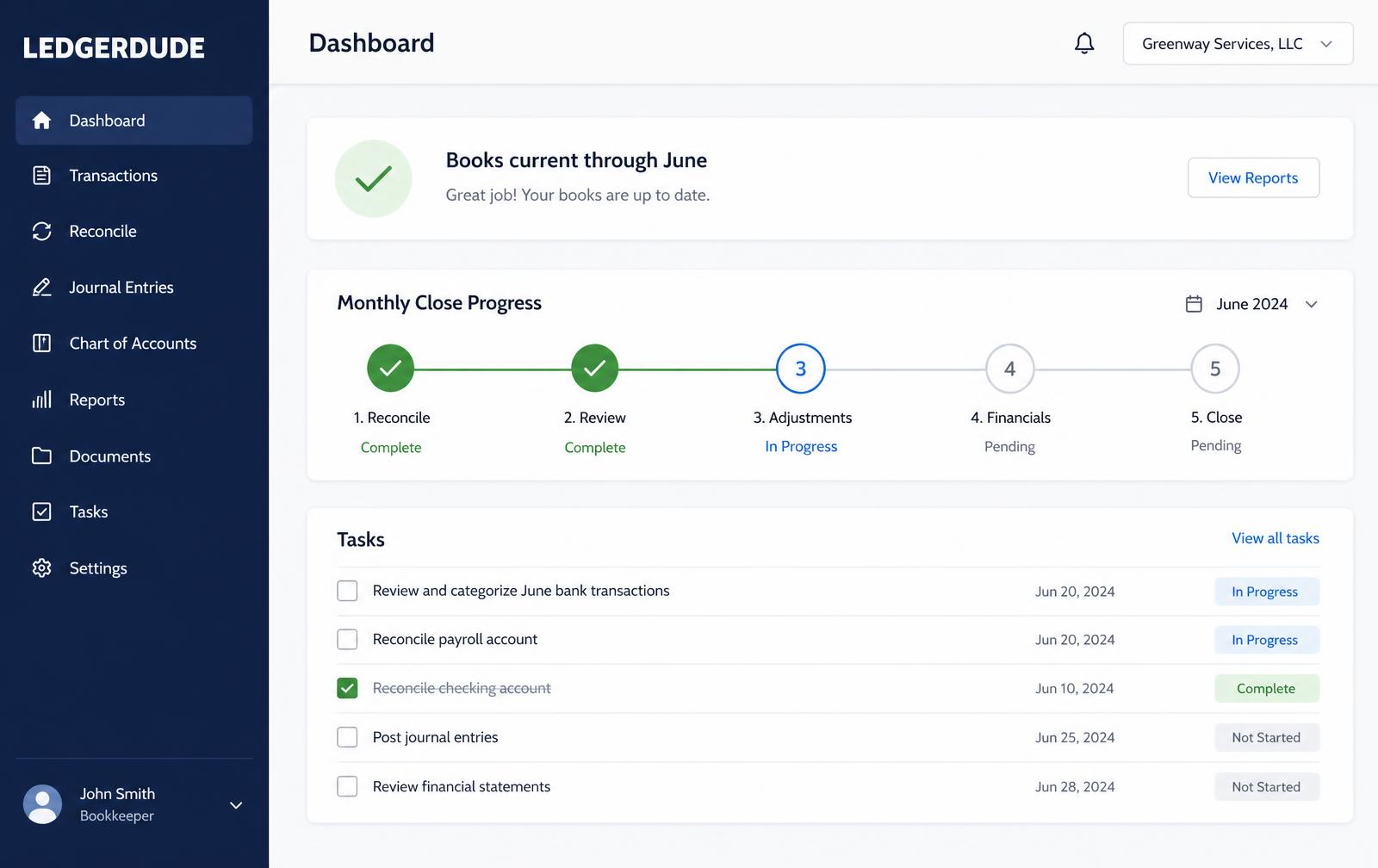
One page with your money in and money out, your cash on hand, and a short list of questions when we need your help.
How to connect QuickBooks Online
- 1
Open QuickBooks settings
In the portal, open the QuickBooks page and choose Connect.
- 2
Sign in at Intuit
You are sent to Intuit to sign in and pick the company file.
- 3
Approve access
Approve the requested access; you are returned to LedgerDude.
- 4
Import
Start the first import — it runs in stages and resumes if interrupted.
- 5
Verify
Compare a report to QuickBooks to confirm the totals tie.
Questions people ask
Do you need my QuickBooks password?
No. Access is granted through Intuit's official authorization flow and can be revoked at any time.
Will connecting change my books?
No. Imports are read-only. Write-back requires it to be enabled and every change approved.
How long does the first import take?
Small files finish in minutes. Large multi-year files run in chunks and can take longer, resuming automatically.
What does this cost?
One flat monthly price. No hourly bills, no surprises. Founding plans start at $149 a month, and your rate stays locked.
Keep reading
Fixing an Undeposited Funds balance that never clears
Why Undeposited Funds builds up, how to clear it without double-counting income, and how to stop it from filling up again.
Bank rules: how to automate coding without creating a mess
How to build QuickBooks Online bank rules that stay accurate, when auto-add is safe, and the rules that quietly corrupt a file.
Reconciling accounts so your books can be trusted
Step-by-step reconciliation in QuickBooks Online, what to do when the difference will not go to zero, and how to repair a bad prior reconciliation.
All quickbooks guide library guides
Every guide in this library.
All guide libraries
Accounting, QuickBooks and catch-up.
Our services
Hand the whole thing to us instead.
Want your books handled for you?
We read your receipts, match your bank activity, and close your books every month. You get one short list of questions and a dashboard that always tells the truth.