
QuickBooks
Reconciling accounts so your books can be trusted
Step-by-step reconciliation in QuickBooks Online, what to do when the difference will not go to zero, and how to repair a bad prior reconciliation.
The short answer
- Reconciling proves your books match the bank. Without it, every report is unverified.
- Reconcile every bank, credit card and loan account, every month.
- The three usual causes of a difference: duplicates, missing transactions and a wrong beginning balance.
- Never force a reconciliation with an adjustment entry unless the amount is trivial and documented.
The monthly process
Enter the statement ending date and balance, tick every transaction that appears on the statement, and confirm the difference is zero. Anything left unticked at the end is either missing from the bank or missing from the books.
When the difference will not clear
Work through these in order before touching anything else.
- Confirm the beginning balance matches last month's ending balance
- Sort by amount to spot duplicate entries
- Check for transactions dated in the wrong month
- Look for transfers entered twice, once on each side
- Check whether a prior reconciliation was undone or edited
Repairing an old bad reconciliation
If a previously reconciled transaction was edited or deleted, the beginning balance breaks. Run the reconciliation discrepancy report to find the changed transactions and restore them rather than plugging the difference.
Why forced adjustments are dangerous
A reconciliation adjustment hides the underlying error and lands in an account nobody reviews. Over years these accumulate into a balance sheet nobody can explain — one of the top reasons files need a cleanup.
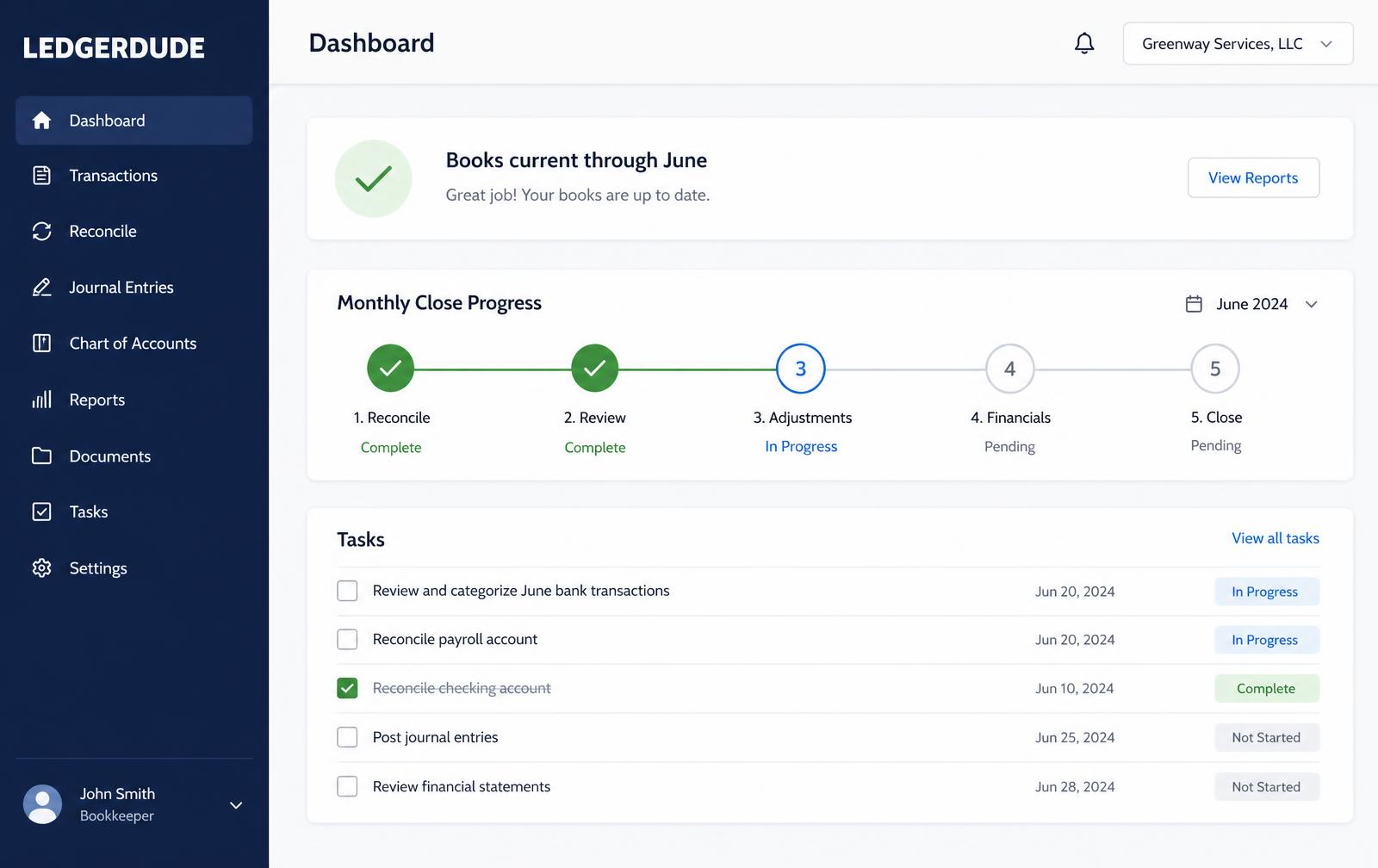
What you see inside LedgerDude
One page with your money in and money out, your cash on hand, and a short list of questions when we need your help.
How to reconcile a bank account in QuickBooks Online
- 1
Gather the statement
Get the statement ending date and ending balance.
- 2
Start the reconciliation
Open Reconcile, pick the account and enter the ending balance.
- 3
Match transactions
Tick every transaction shown on the statement.
- 4
Investigate the difference
If it is not zero, check beginning balance, duplicates and dates.
- 5
Finish and save
Finish only at a zero difference, then save the reconciliation report.
Questions people ask
How often should I reconcile?
Every account, every month, as soon as the statement is available.
What if I have never reconciled?
Start from the oldest month with a reliable statement and work forward. That is exactly what catch-up bookkeeping does.
Do credit cards need reconciling?
Yes, and so do loans. Any account with a statement should be proven against it.
What does this cost?
One flat monthly price. No hourly bills, no surprises. Founding plans start at $149 a month, and your rate stays locked.
Keep reading
Connecting QuickBooks Online safely
How the QuickBooks Online connection works, what read-only access means, what data is imported and how write-back approval protects your file.
Fixing an Undeposited Funds balance that never clears
Why Undeposited Funds builds up, how to clear it without double-counting income, and how to stop it from filling up again.
Bank rules: how to automate coding without creating a mess
How to build QuickBooks Online bank rules that stay accurate, when auto-add is safe, and the rules that quietly corrupt a file.
All quickbooks guide library guides
Every guide in this library.
All guide libraries
Accounting, QuickBooks and catch-up.
Our services
Hand the whole thing to us instead.
Want your books handled for you?
We read your receipts, match your bank activity, and close your books every month. You get one short list of questions and a dashboard that always tells the truth.