
QuickBooks
Fixing an Undeposited Funds balance that never clears
Why Undeposited Funds builds up, how to clear it without double-counting income, and how to stop it from filling up again.
The short answer
- Undeposited Funds is a holding account for payments received but not yet grouped into a bank deposit.
- It grows when payments are recorded and the matching bank deposit is entered separately, which double-counts income.
- The fix is to match existing payments into deposits rather than deleting anything.
- Prevent it by always recording deposits from the Receive Payment list, not as new income.
Why the balance grows
A customer payment lands in Undeposited Funds. When the bank feed shows the deposit and someone categorizes it straight to income, the same money is now counted twice — once as the payment and once as the deposit.
Clearing it without breaking history
Work oldest first. For each stale payment, find the real bank deposit and group them, rather than deleting the payment. Deleting removes the customer's payment history and can reopen paid invoices.
Stopping the recurrence
Set a rule: bank feed deposits are matched, never added as new income. Where a merchant processor batches payments, record the deposit as a group with the fee as a separate expense line.
A stuck balance, cleaned
- Undeposited Funds before
- $11,800
- Payments grouped into real deposits
- 63
- Duplicate income removed
- $9,400
- Undeposited Funds after
- $0
What this tells you: Nearly all of the balance was double-counted income. Fixing it lowered reported revenue and lowered the tax bill accordingly.
What you see inside LedgerDude
One page with your money in and money out, your cash on hand, and a short list of questions when we need your help.
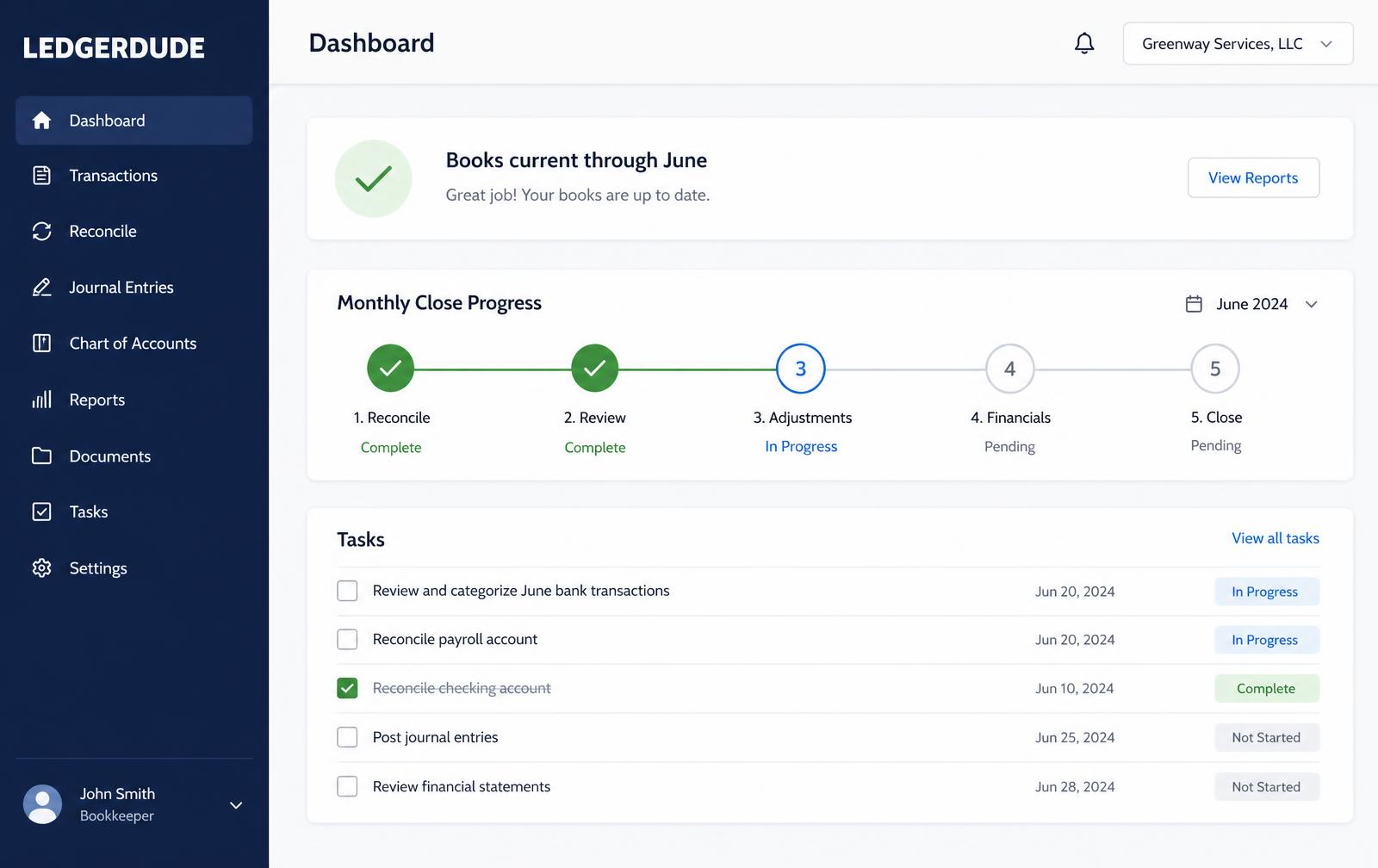
How to clear Undeposited Funds
- 1
Run the report
Open the Undeposited Funds account register and sort oldest first.
- 2
Find the deposit
Locate the actual bank deposit that included the payment.
- 3
Group them
Use Bank Deposit to select the payments that make up that deposit.
- 4
Remove the duplicate
If the deposit was also added as income, match it instead so income is not doubled.
- 5
Reconcile
Reconcile the month to prove the account now ties to the statement.
Questions people ask
Can I just delete the old payments?
No. Deleting reopens paid invoices and destroys customer payment history. Match them into deposits instead.
Should the balance ever be zero?
It should be zero or equal to payments genuinely received but not yet deposited — usually only a day or two of activity.
Does this affect my taxes?
It can. Double-counted deposits overstate income, so clearing them often lowers reported profit.
What does this cost?
One flat monthly price. No hourly bills, no surprises. Founding plans start at $149 a month, and your rate stays locked.
Keep reading
Bank rules: how to automate coding without creating a mess
How to build QuickBooks Online bank rules that stay accurate, when auto-add is safe, and the rules that quietly corrupt a file.
Reconciling accounts so your books can be trusted
Step-by-step reconciliation in QuickBooks Online, what to do when the difference will not go to zero, and how to repair a bad prior reconciliation.
Connecting QuickBooks Online safely
How the QuickBooks Online connection works, what read-only access means, what data is imported and how write-back approval protects your file.
All quickbooks guide library guides
Every guide in this library.
All guide libraries
Accounting, QuickBooks and catch-up.
Our services
Hand the whole thing to us instead.
Want your books handled for you?
We read your receipts, match your bank activity, and close your books every month. You get one short list of questions and a dashboard that always tells the truth.